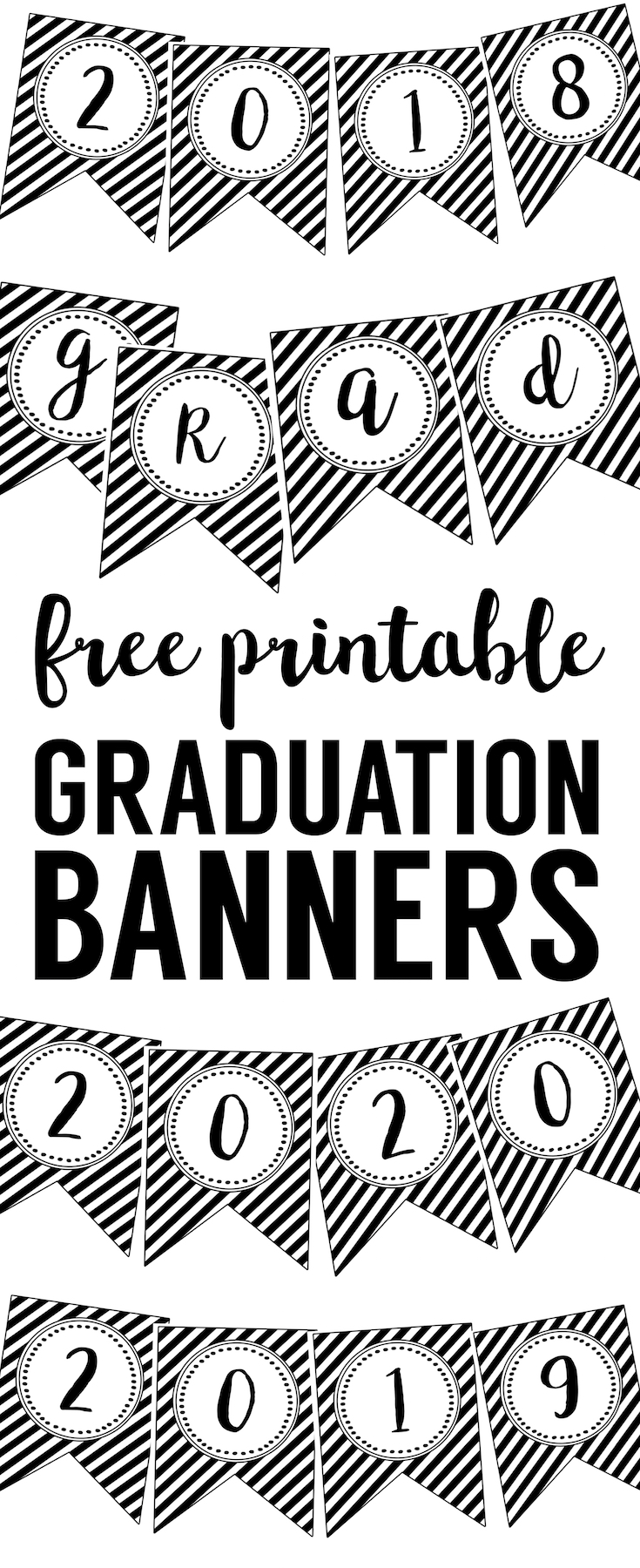
Use these graduation banner free printables to decorate and celebrate your graduate this year.
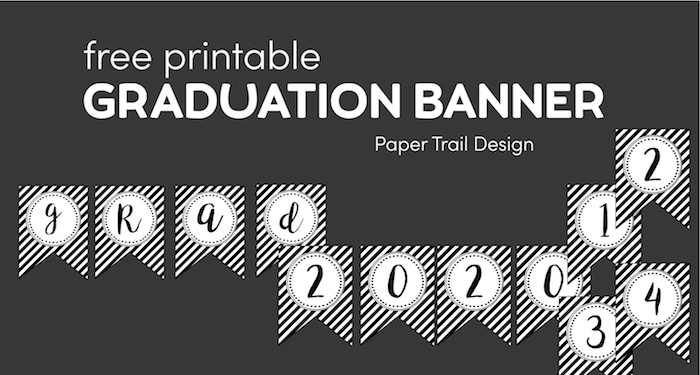
Graduation Banner Free Printables
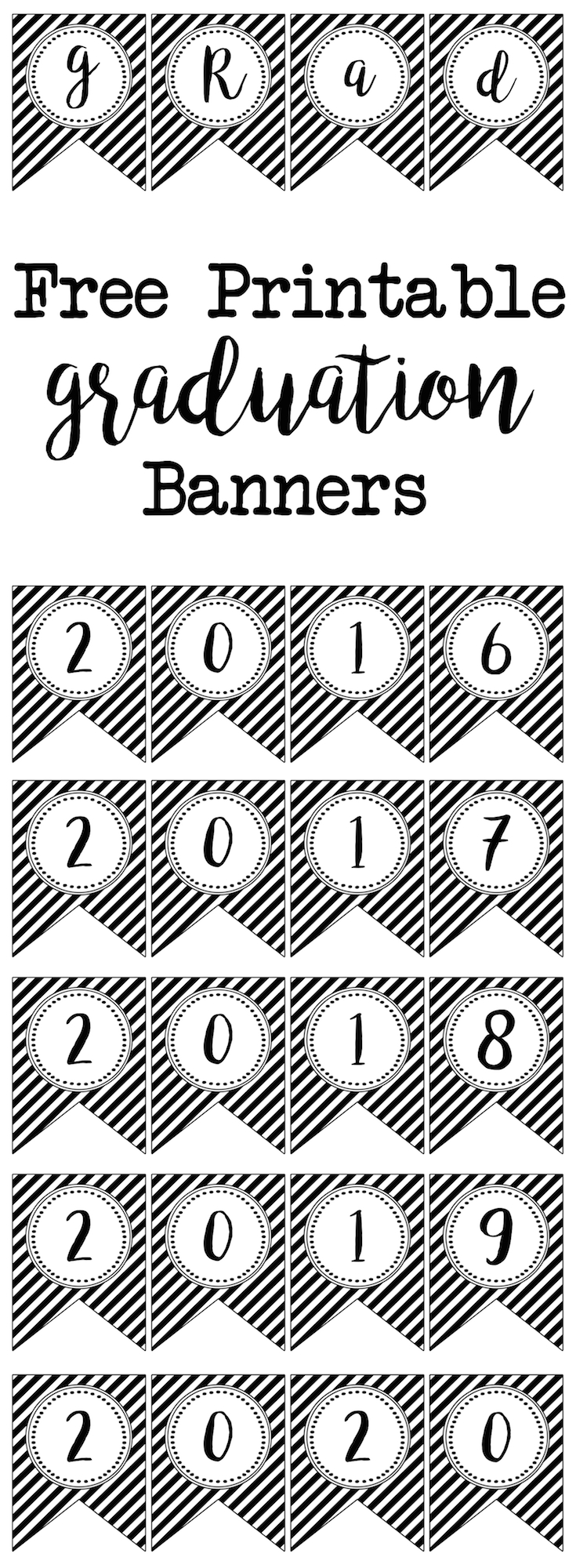
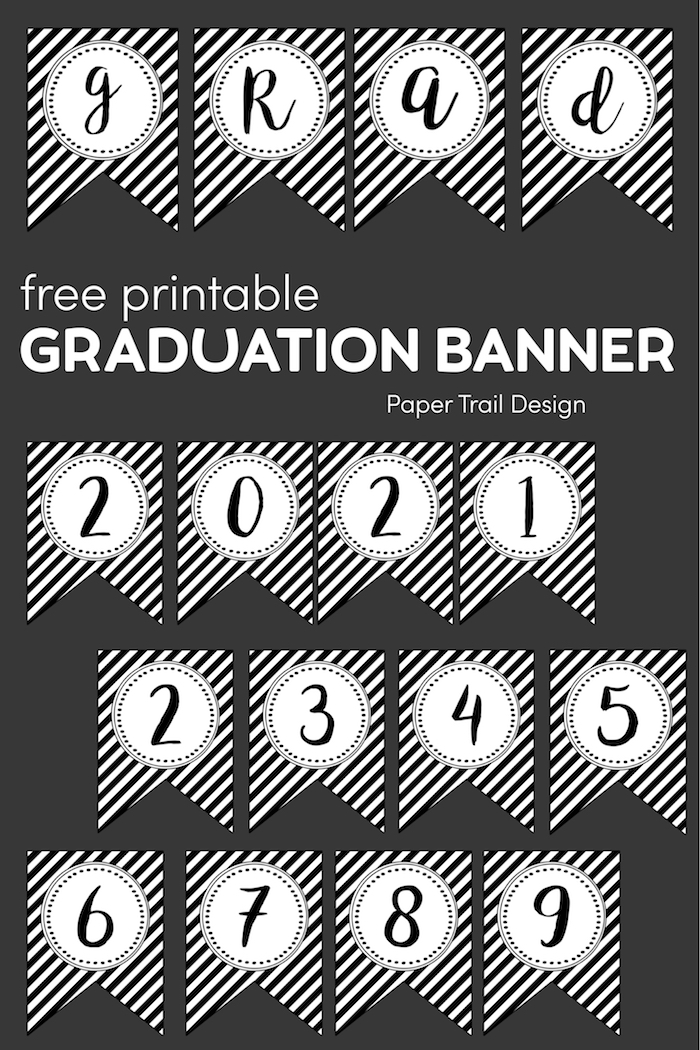
These graduation year numbers and grad letters are a fun way to decorate your home or graduation party and show your graduate how proud you are that they graduated high school or college graduates. Of you could use the numbers to print your kid’s graduation year and take a photo of them holding the banner each year as they grow. Just use some bakers twine like this and mini clothes pins like these to easily make your banner. These decorations are perfect for your graduation celebration. You could also add a photo banner to make it a more personalized graduation banner.
Check out our other graduation printables:
- Free Printable Photobooth
- Graduation Cupcake Toppers Free Printable
- Graduation Labels
- Graduation Bottle Wrappers Free Printable
- Thank You Cards or Poster
Print the graduation banner template
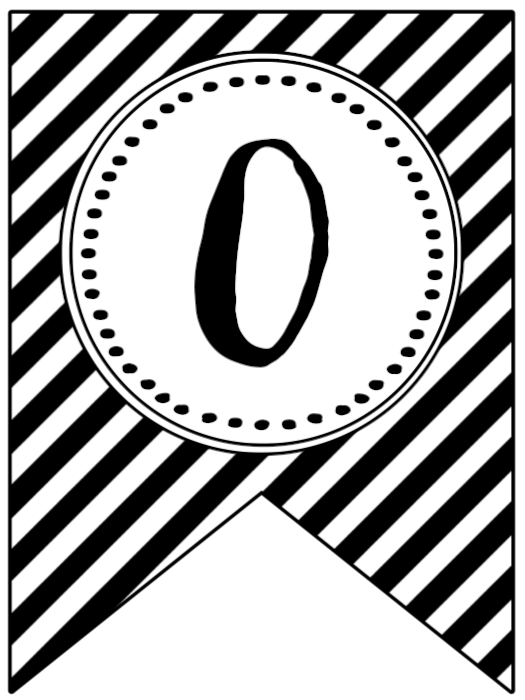
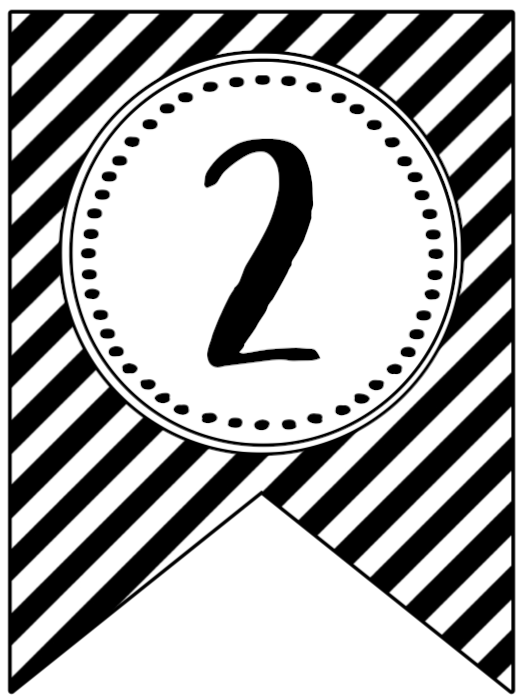
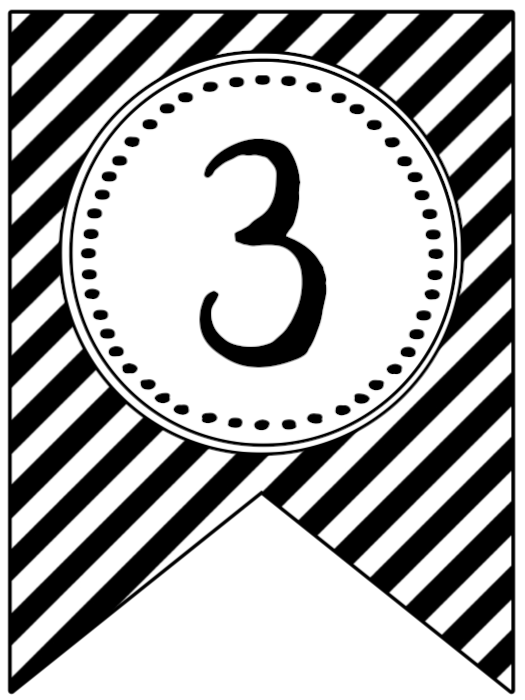
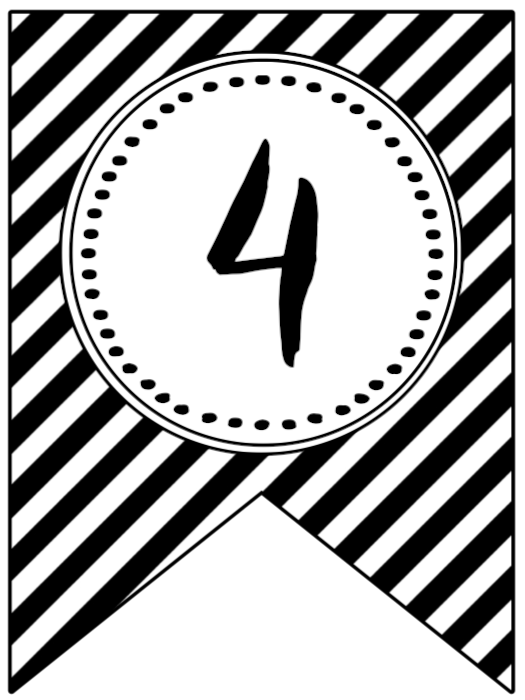
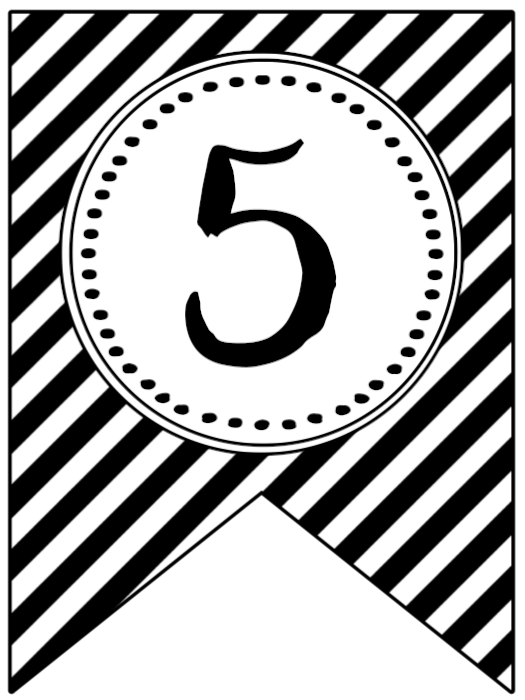
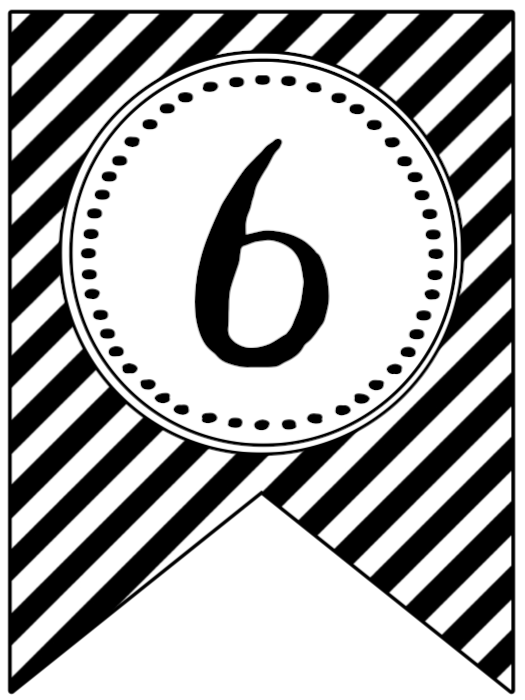
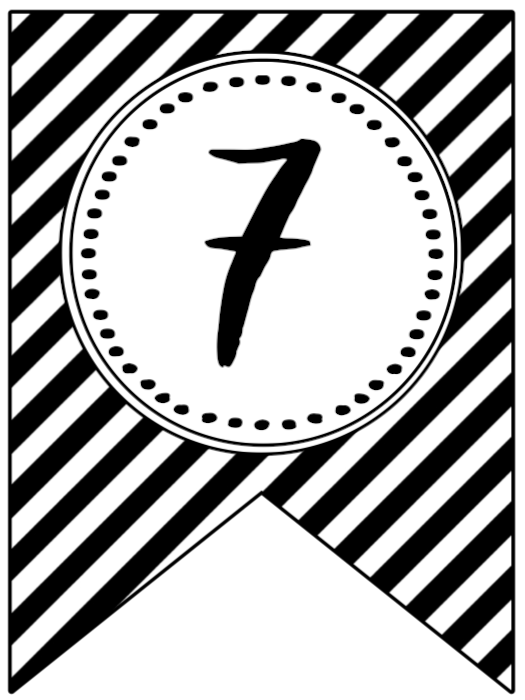
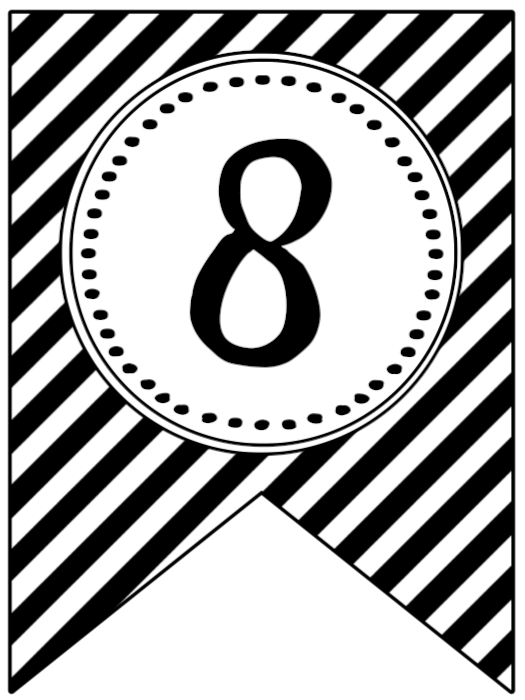
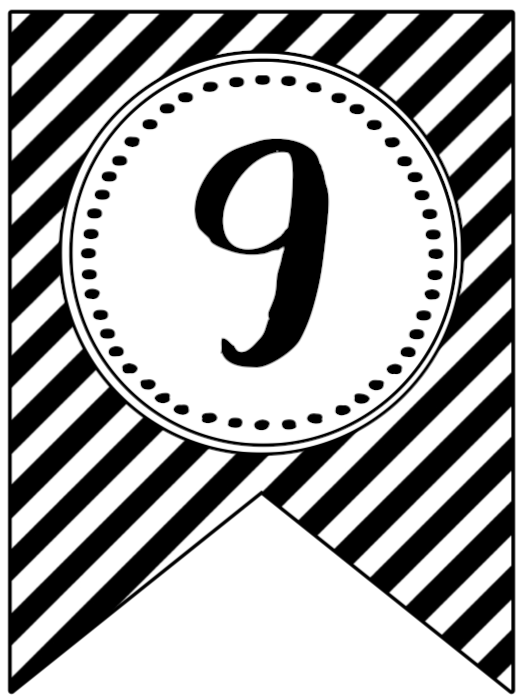
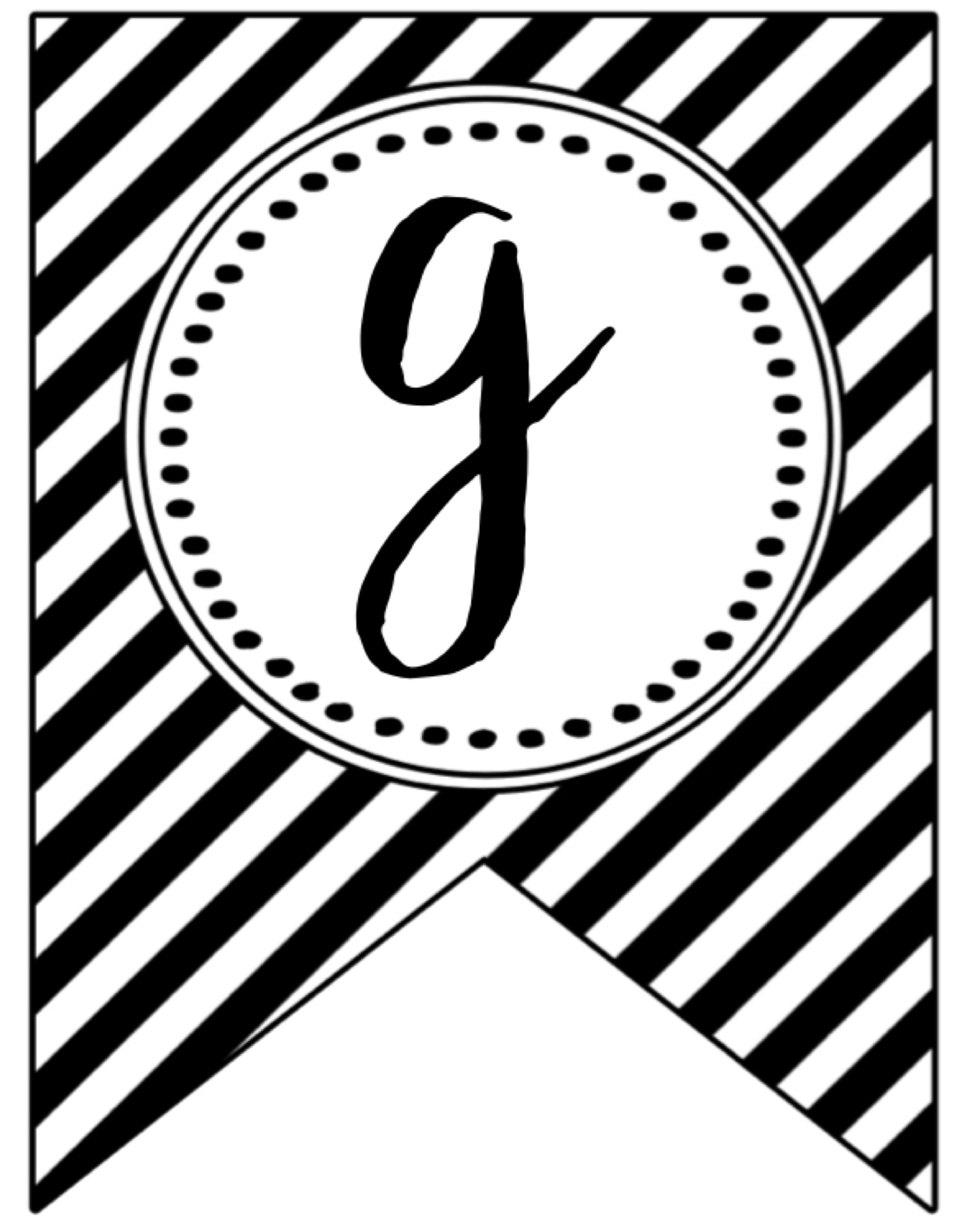
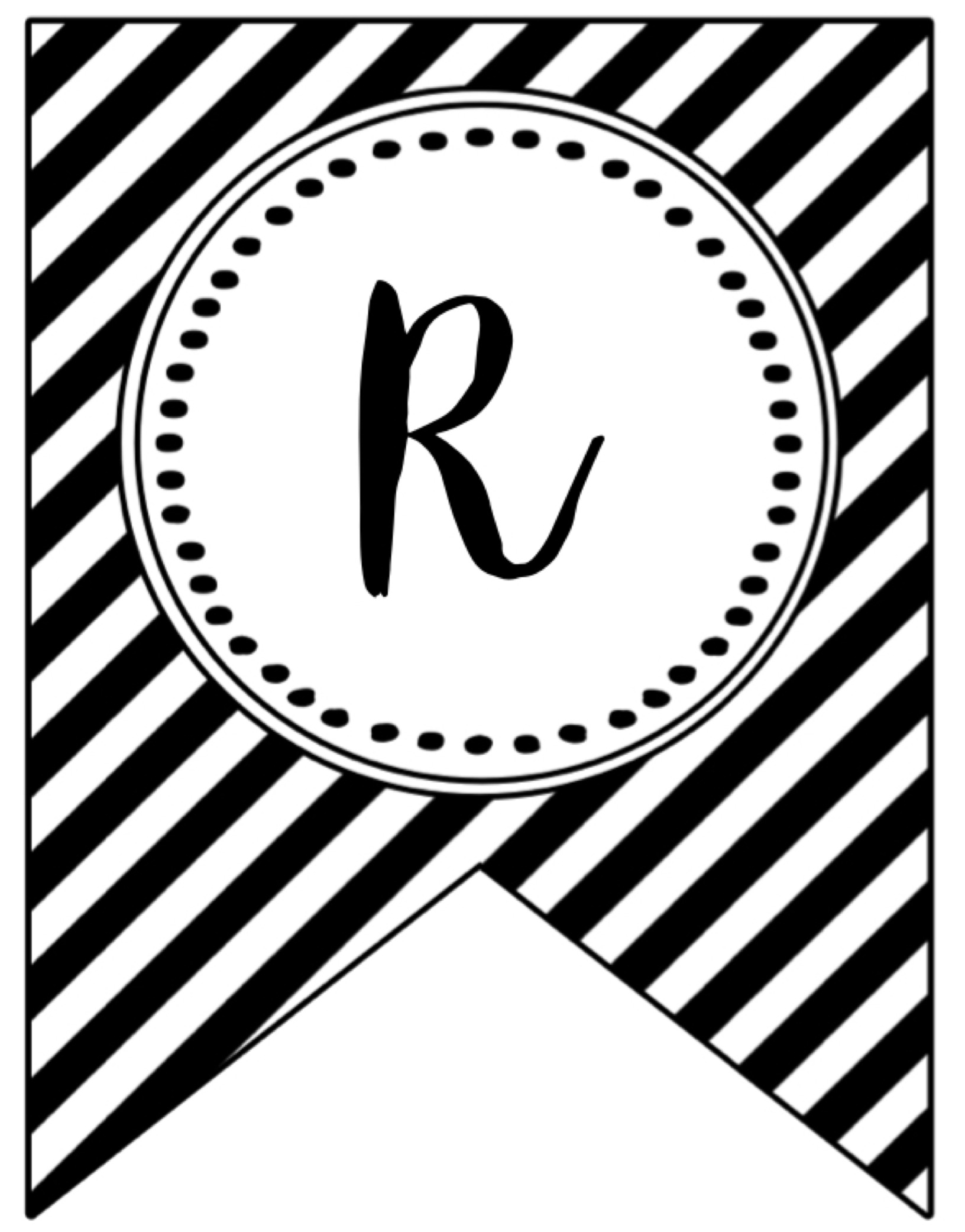
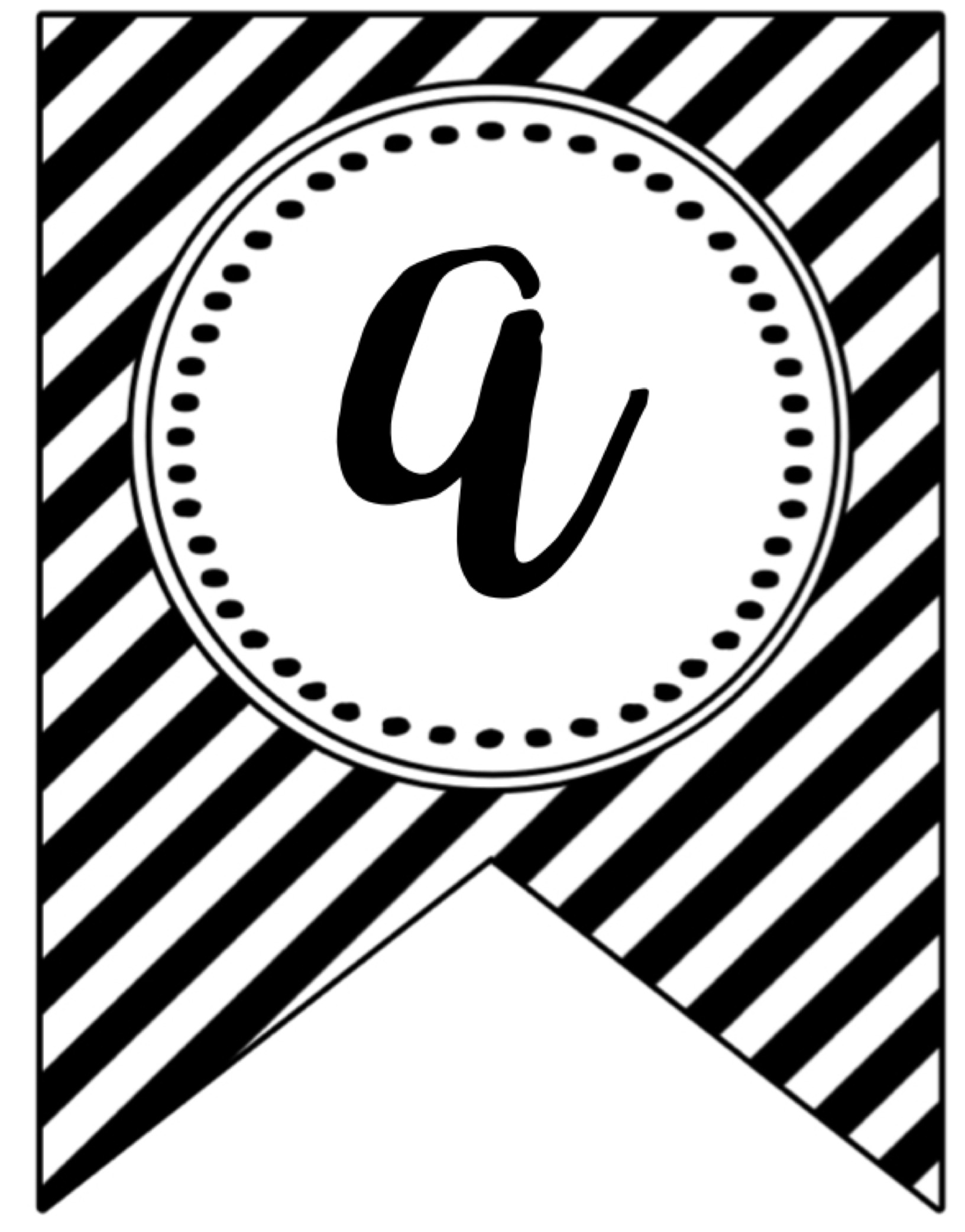
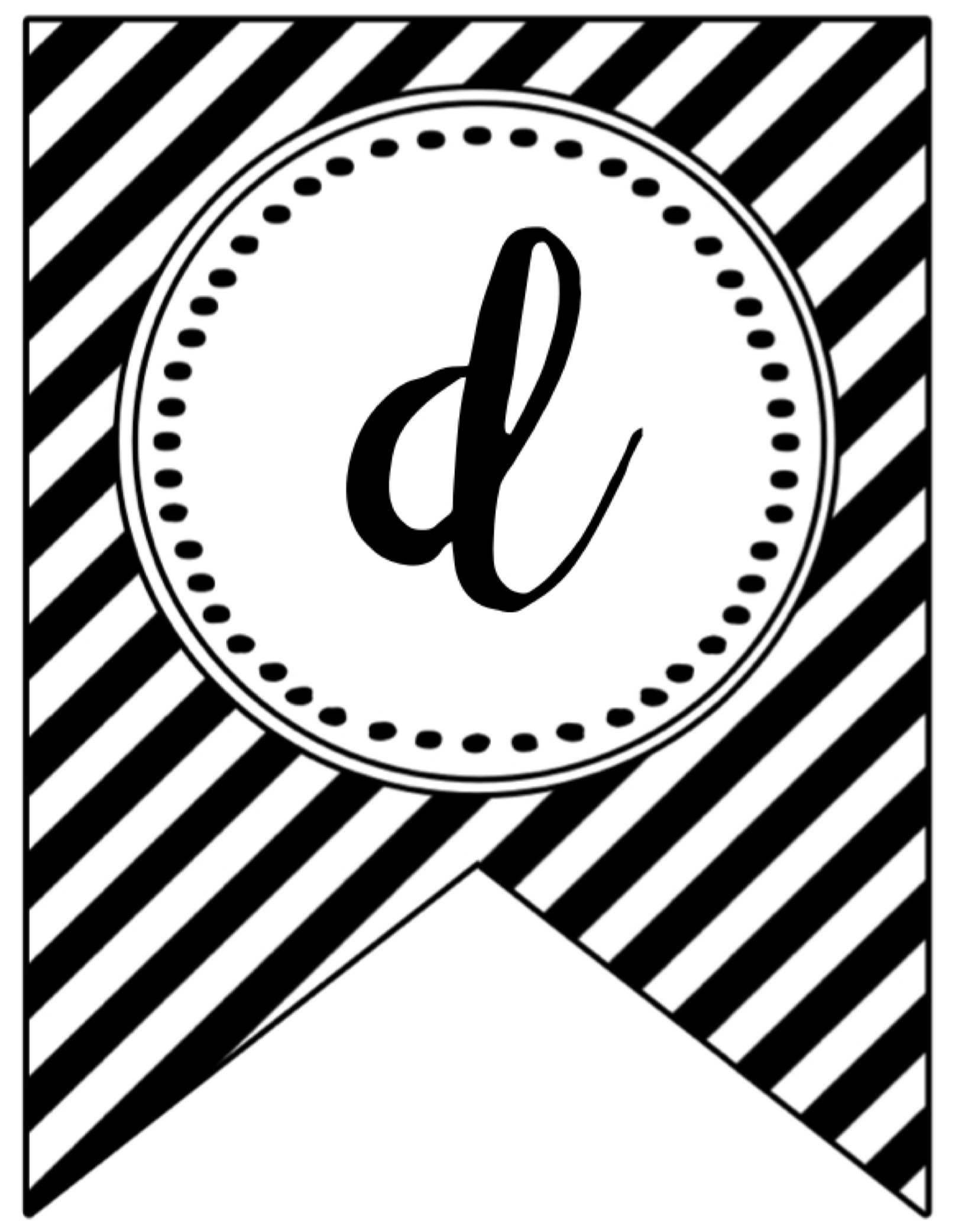
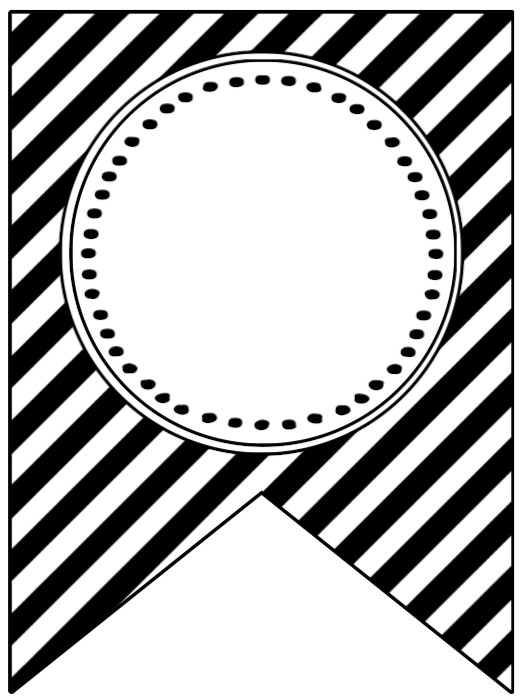
- 0 – Graduation Banner Flag Number
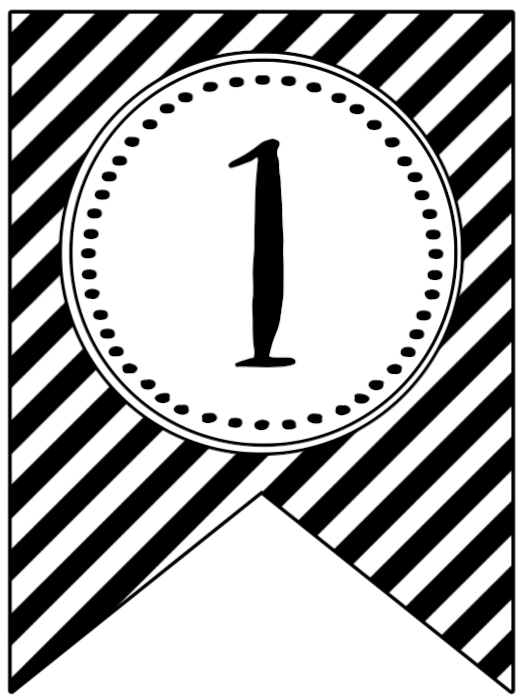
- 1 – Graduation Banner Flag Number
- 2 – Graduation Banner Flag Number
- 3 – Graduation Banner Flag Number
- 4 – Graduation Banner Flag Number
- 5 – Graduation Banner Flag Number
- 6 – Graduation Banner Flag Number
- 7 – Graduation Banner Flag Number
- 8 – Graduation Banner Flag Number
- 9 – Graduation Banner Flag Number
- G – Graduation Banner Flag Letter
- R – Graduation Banner Flag Letter
- A – Graduation Banner Flag Letter
- D – Graduation Banner Flag Letter
- Blank – Graduation Banner Flag
For best results, save the image to your computer before printing. I find it easiest to drag and drop the image to my desktop, then print it from there.
Printables from Paper Trail Design are for personal use only.
Party Straws
If you plan on using some cute straws I suggest you get these straws here on amazon. I don’t know why but paper straws are so much cheaper to buy on amazon.
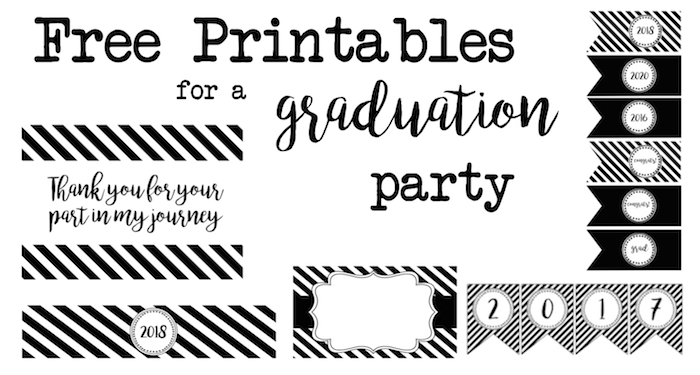
Get more grad party free printables here!
Add some fun to your party with this free printable photobooth.
Printables from Paper Trail Design are for personal use only.
This page may contain affiliate links. When you click them you support Paper Trail Design. Thank you!
Pin this Post to Pinterest using the “Pin it” button below!


These printables are adorable — the layered banner in the neutral palette is my favourite. Printed them for my niece’s party last spring and they held up well on cardstock. I also made a matching photo-backdrop design in Krea 2 to fill the empty wall behind the dessert table.
These graduation banners are a lifesaver for last-minute parties – the printable numbers make it easy to reuse year after year. The neutral colour options are a smart choice since so many schools have strict palettes. Thanks for keeping these free.
Free graduation printables are a lifesaver for last-minute parties, and the banner set looks easy to assemble. The tip about printing on cardstock makes a real difference to how it hangs. Would love a matching set for next year’s class.
Using the same graduation-year banner in a photo each year is a thoughtful keepsake idea. The individual number flags make it easy to prepare the right year for each child.
Thank you so much for these printables — they’re going to save me so much time decorating for my daughter’s graduation party this year! The bakers twine and mini clothespins idea is genius, and I love that the numbers can be reused year after year for milestone photos. For anyone who wants to capture and share these special moments in a more dynamic way, this Wan 3.0 video is definitely worth checking out too. Thanks again for the wonderful free resource!
What a lovely free resource — graduation banners can get expensive fast and this printable looks beautiful without the price tag. The personalization possibilities make it so versatile for different celebrations. Pinning this for my niece’s graduation party next spring!
The bakers twine and mini clothespins idea is genius, and I love that the numbers can be reused year after year for milestone photos.Thanks again for the wonderful free resource!
Wan 3 AI is basically your one-stop radar for all things Wan 3 and Wan 3.0, so you never have to dig through scattered release notes again. It’s a solid little companion if you’re into AI video workflows and want to stay ahead of the curve without feeling like a detective.
Kling 4.0 helps turn prompts and photos into polished short AI videos for quick creative testing.
Uni-1 — — Uni-1 from Luma AI combines understanding and pixel generation in one autoregressive model, supports one to eight reference images, reasons about scene layout and relationships during rendering, and outputs production-ready 2048px images—well suited for storyboards, reference-driven editing, infographics, and enterprise creative pipelines.
– An AI-assisted tattoo design platform that creates bespoke concepts and realistic mockups, offering detailed style controls, placement and sizing previews, and high-resolution export options for client review.
— Wan 2.7 builds on Wan 2.6 with enhanced features: generate clips from first and last frames, animate nine‑grid image boards into coherent motion, lock onto subjects and voice references for stable tracking, edit using simple instructions, and recreate videos with higher consistency—ideal for rapid prototyping and efficient production workflows.
A generative design platform that pairs seed-driven variation with template libraries, batch-rendering, and version control to speed up prototyping and produce consistent, production-ready assets.
A rapid AI short-video service that transforms concise prompts, photos, or reference clips into polished 15-second videos with beat-aware audio alignment, adjustable motion styles, and export presets for quick social sharing.
Italian Brainrot Clicker is what happens when TikTok brainrot meets idle gaming. Tap through caffeinated madness, unlock viral nonsense, and watch your screen explode with memes.
The first time I tried to print I got the 2 and the 1. I tried to download but can’t seem to get the letters to be full size when I drag it to my desk top. Can you help please?
Darn I wish I could tell you what is happening but this has me perplexed. If you resize this image before printing would that help? I’m guessing this might just be your computer trying to print it bigger than the paper. I triple checked the image and it is loading correctly for me.
I want to print the banner 2017 but can only get the 2 and 1 to print not the 0 or the 7. What do you think I am doing wrong
Hi Margaret. Did you download the image to your computer before printing or editing? If you print straight from the web it usually sizes the image really weird. I find it easiest to drag and drop the image to my desktop, then print it from there.
Thank you so much for these! Can I ask what font you used? I want to use the blank banner and write congrats to match the grad font! Thanks so much!
Hi Melany. The font is called “bromello”.
YOU ARE AWESOME!!!!!!!!!! SAVED ME SO MUCH TIME AND MONEY!!!!
I’m so happy to hear we helped you out Rox! We’d LOVE to see pictures of you graduation fun! Tag us on facebook: https://www.facebook.com/PaperTrailDesignTeam/ or instagram: https://www.instagram.com/papertraildesign/ if you get a chance!